
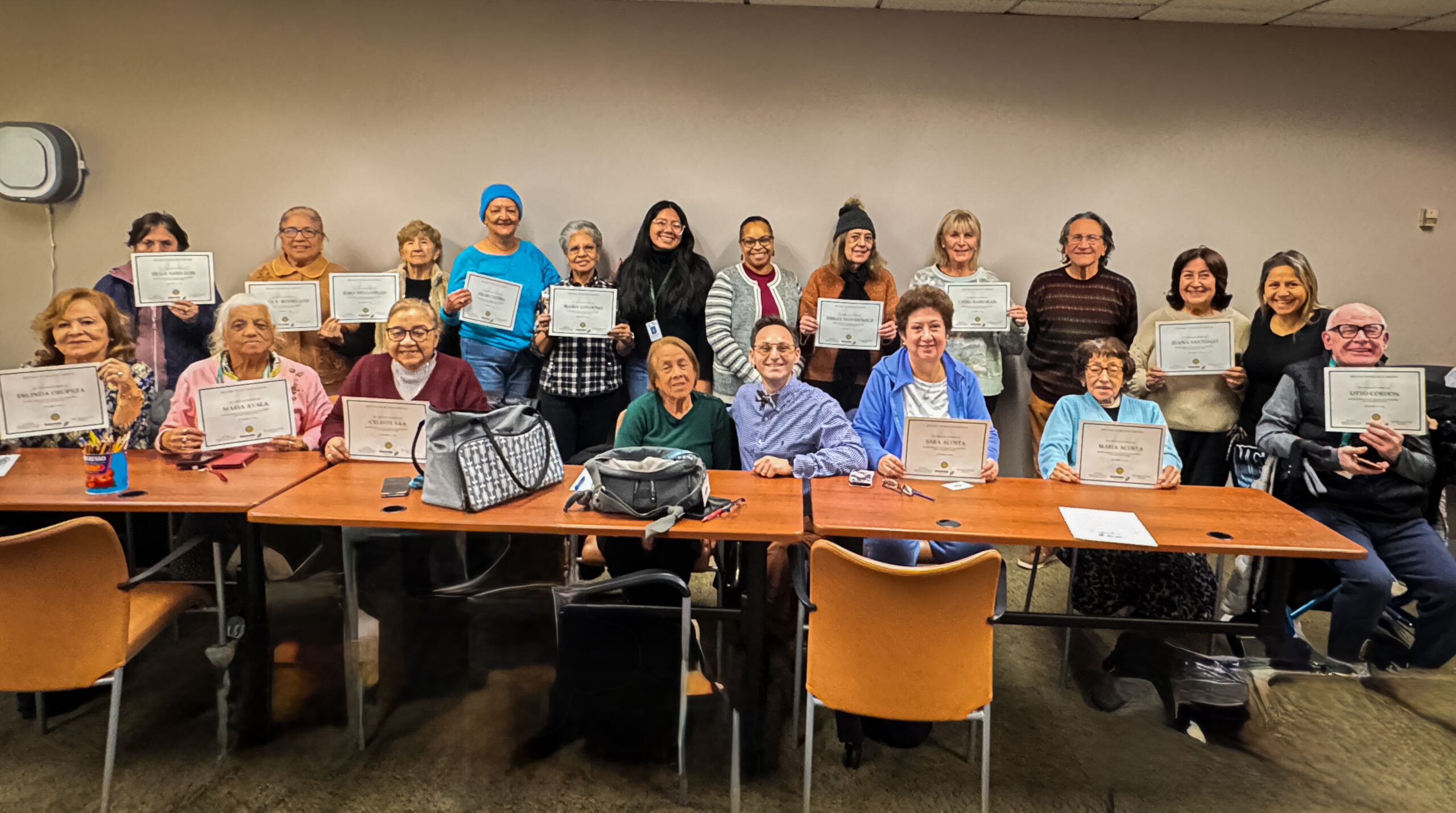
For many older adults, using a smartphone isn’t difficult because of the technology itself—it’s because no one has ever taken the time to explain it in a simple, patient, and encouraging way.
That was exactly the goal of a recent Tech Care You class at the Stamford Senior Center in Stamford, Connecticut, where we spent the morning helping seniors become more comfortable with the buttons, gestures, and everyday features on their smartphones and tablets.
Whether you have an iPhone, iPad, or Android device, learning just a few basic skills can make technology feel far less overwhelming and much more enjoyable.
Technology Should Bring Joy—Not Frustration
One of the biggest concerns we hear from older adults is:
“I’m afraid I’ll press the wrong button.”
The good news is that most smartphones are designed to be forgiving. With a little guidance and hands-on practice, confidence grows quickly.
During our class, participants learned how to identify the most important physical buttons on their devices and what each one does.
Some of the topics we covered included:
- Understanding the Side Button, also called the Power Button
- Using the Volume Up and Volume Down buttons
- Knowing when to use the Silent Switch on an iPhone
- Locking and unlocking the screen
- Waking the phone without accidentally changing settings
- Taking screenshots
- Using the camera button and camera controls
These simple skills help remove the fear of “breaking” the phone and replace it with confidence.
Learning Touchscreen Gestures Made Easy
Today’s smartphones rely heavily on gestures rather than buttons.
That can be confusing if no one has ever explained what words like tap, swipe, pinch, or press and hold actually mean.
Together, we practiced everyday gestures such as:
- Single tap
- Double tap
- Swipe up and down
- Swipe left and right
- Pinch to zoom in on photos
- Press and hold to reveal additional options
Once these gestures became familiar, many participants were surprised by how much easier their phones became to use.
Small Skills That Make a Big Difference
Technology doesn’t have to be mastered all at once.
Sometimes learning just one new feature can make everyday life significantly easier.
Knowing how to adjust the volume before a phone call.
Understanding how to zoom in on family photos.
Learning how to wake the phone without opening an app.
These are the kinds of practical skills that help older adults stay connected with family, communicate more confidently, and enjoy their devices instead of avoiding them.
Personalized Technology Help for Seniors
At Tech Care You, we believe every senior deserves patient, one-on-one technology support.
Whether you’re learning the basics of your smartphone, trying to understand your iPad, organizing your photos, or simply want someone to answer your technology questions without rushing you, we’re here to help.
We also provide technology classes for:
- Senior living communities
- Independent living communities
- Libraries
- Senior centers
- Community organizations
- Private one-on-one coaching in your home
OUR MISSION
To help older adults build confidence with technology so they can live more safely, stay connected with loved ones, and enjoy a richer quality of life.