
Helping Robert See His Grandkids Again: A Story About FaceTime, Confidence, and Staying Close
A phone call lets you hear the people you love. A video call lets you see them — a grandchild’s missing tooth, a new haircut, the dog jumping on the couch behind them. For an older adult whose family lives far away, that little window on a screen can mean everything. But when the call won’t connect, the picture freezes, or nobody can hear anybody, that same window slams shut — and frustration takes its place.
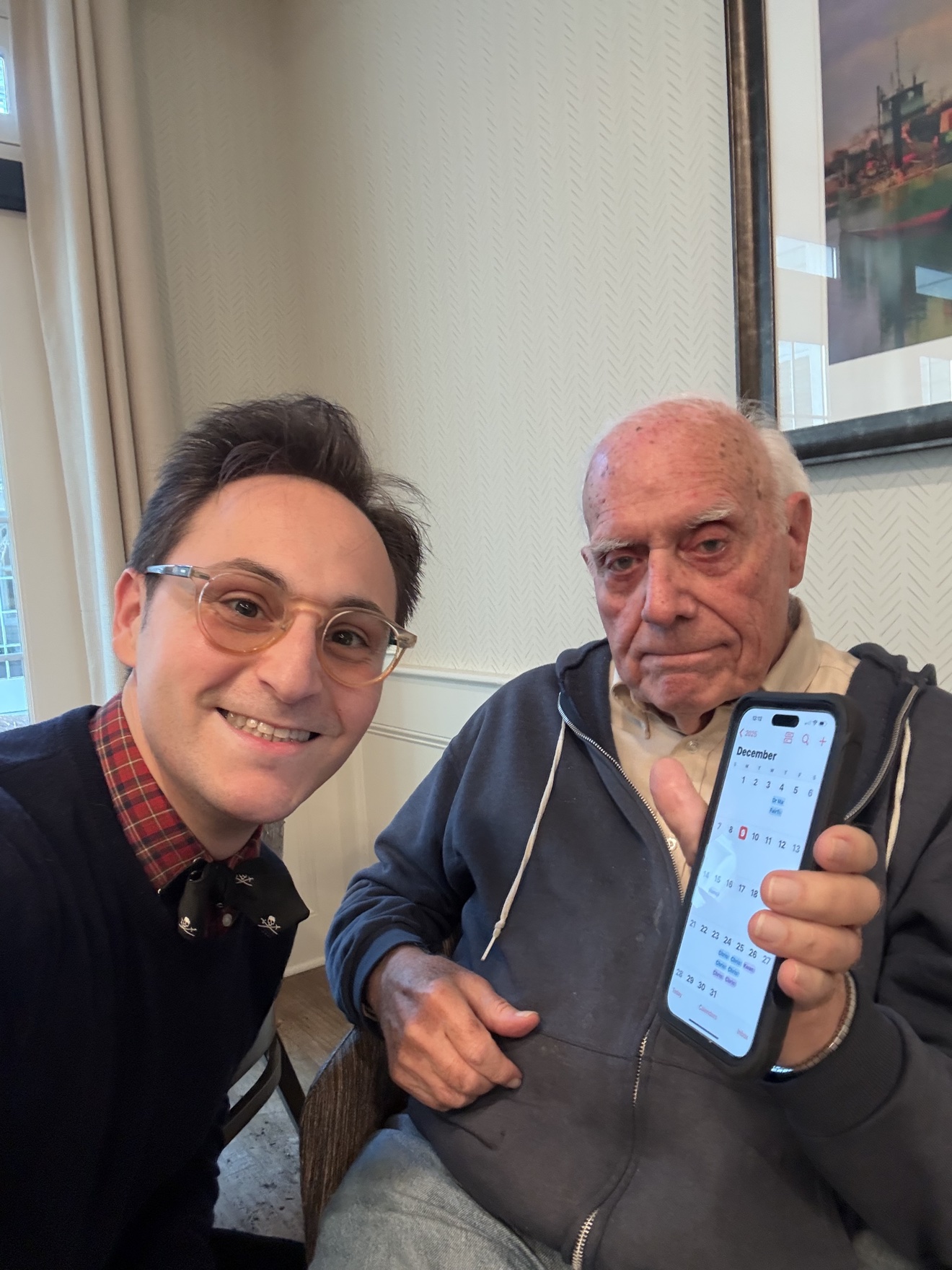
A Visit With Robert in Darien, Connecticut
Robert is a wonderful client in his early 80s who lives in Darien, Connecticut. His daughter’s family is in Chicago, which means he sees his grandchildren in person about twice a year. His daughter had given him an iPhone for his birthday — a generous gift that mostly sat on his kitchen counter, because every time it rang with a video call, a small panic set in.
He wanted three simple things: to answer when his daughter called without worrying he’d press the wrong button, to call his grandkids himself whenever he missed them, and to actually hear and be heard once the call connected.
So we sat together at his kitchen table and took our time. I showed Robert where things were, why they worked the way they did, and then gave him the opportunity to do the steps himself — more than once, until his hands remembered what to do.
One of Our Most Important Stops: Making FaceTime Feel Like Second Nature
We started where every good video-calling setup starts: the Favorites list in the Phone app. We added his daughter, his son-in-law, and each grandchild, so starting a call takes exactly one tap — no searching, no typing, no remembering phone numbers.
Then we practiced the two moments that matter most: answering a call (the big green button — just tap it, there is no wrong answer) and starting one. Robert called his daughter twice while I was there. The first time he laughed nervously. The second time, he was already showing her the view from his kitchen window.
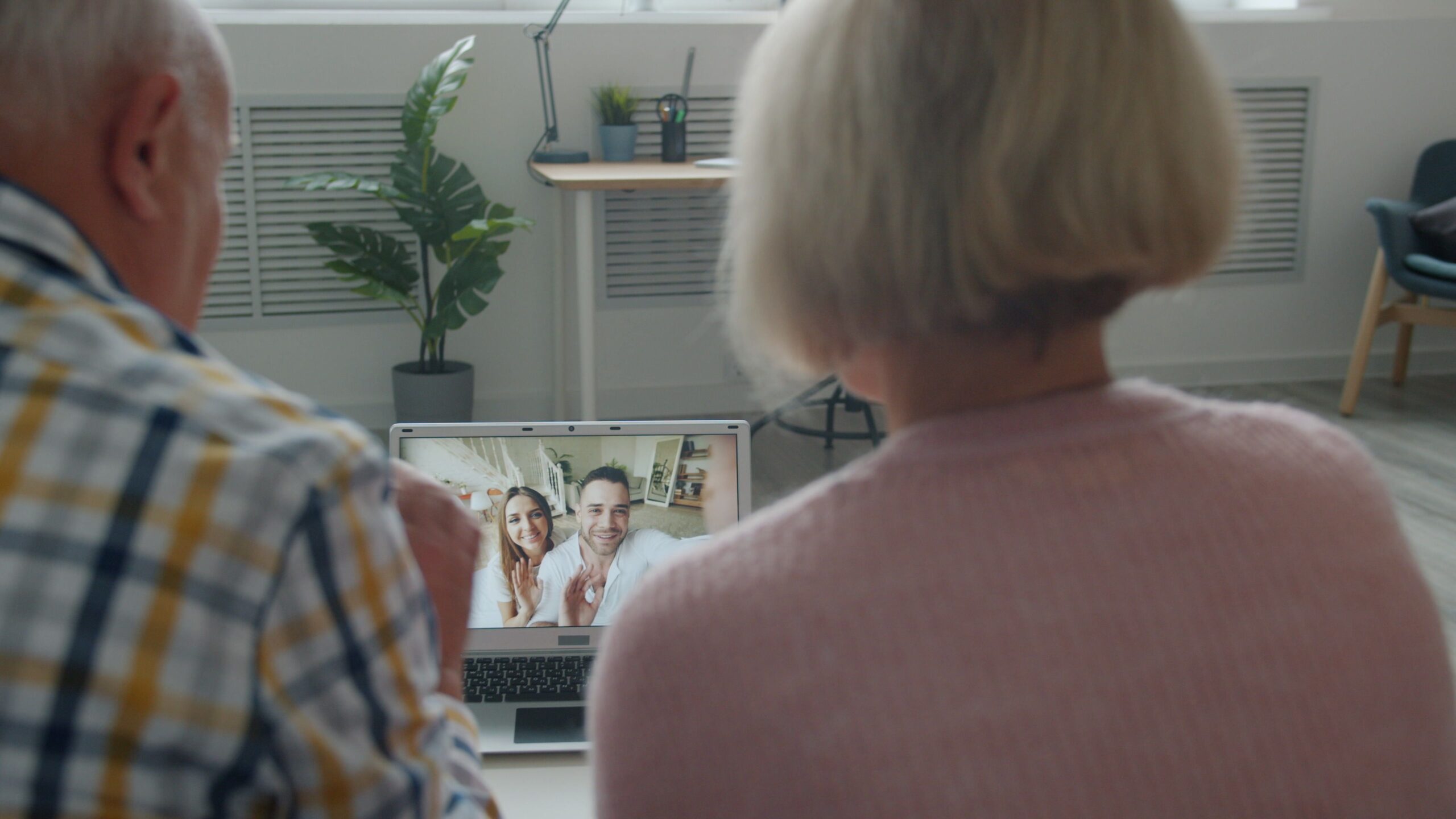
Then We Made It Even Easier
Comfort is a feature, too. We turned on larger text so nothing felt squinty, switched on Display Zoom so the buttons were easier to tap, and set his iPad up on a simple stand for longer calls — no more shaky handheld video or a sore arm halfway through story time. We also made sure his Wi-Fi was connected and his charger lived by his favorite chair, because video calls love two things: a strong signal and a full battery.

Does Robert’s Story Remind You of Your Mom or Dad?
Maybe your parent misses video calls because the buttons feel confusing. Maybe they’ve quietly given up and gone back to regular phone calls — even though they’d love to see the grandkids’ faces. Tech Care You provides patient, one-on-one technology help built around the needs and pace of older adults.
Why Seeing Family Beats Just Hearing Them
Hearing a loved one’s voice is wonderful. Seeing their face is different. You catch the expression when they laugh. You see the new puppy, the school art project held up to the camera, the kitchen they just remodeled. For grandparents who live far from family, those small visual moments are what make the miles feel shorter.
That is why I don’t think the answer is handing a parent a phone and saying, “Just tap the green button, it’s easy.” A better answer is to sit beside them, connect video calling to the people they already miss, and let them practice until tapping that button feels as natural as picking up the phone ever did.
One Important Safety Note Before the Fun Part
Here is a rule worth sharing with your parent: only answer video calls from people you know. Scammers have learned to use video calls too, and an unexpected call from an unfamiliar number — however official it looks — deserves caution. If a “bank,” “grandchild in trouble,” or anyone else you weren’t expecting appears on screen asking for money or personal information, hang up and verify through a number you already trust. When in doubt, stop and check independently.
10 Helpful FaceTime Tips for Seniors and Their Families
You do not need to teach a parent every feature on an iPhone. Start with the handful of things that make seeing family easier, clearer, and safer.
Put Family in Favorites
Add children and grandchildren to Favorites in the Phone app. One tap starts a video call — no searching contacts or remembering numbers.
Practice Answering the Call
When a video call comes in, tap the big green button. Have a family member call twice in a row so answering feels routine, not stressful.
Turn the Volume Up First
Press the volume buttons on the side of the phone before the call connects, and make sure the ringer is switched on so calls are heard when they arrive.
Go Hands-Free
Prop the phone or tablet on a stand or against a book. A steady picture and free hands make long calls with grandkids far more enjoyable.
Keep the Charger Nearby
Video calls drain batteries quickly. Keep a long charging cable by your parent’s favorite chair so a low battery never ends story time early.
Stay Connected to Wi-Fi
Check for the Wi-Fi fan symbol at the top of the screen before calling. A strong Wi-Fi signal means a clearer picture and fewer frozen faces.
Learn to Flip the Camera
Tap the flip-camera icon to show what you see — the garden, the dog, the view from the porch. Grandkids love the guided tour.
Mute When It Gets Noisy
If the television is on in the background, tap the microphone button to mute. Tap it again to unmute. Simple, and everyone hears better.
Make Everything Bigger
In Settings > Display & Brightness, turn on Display Zoom and Larger Text. Bigger buttons are easier to tap — and easier on the eyes.
Only Answer Familiar Faces
Let video calls from unknown numbers go unanswered. Scammers use video calls too. When unsure, hang up and verify through a trusted number.
Start With What Mom or Dad Actually Wants to Do
Robert did not wake up one morning wanting to become a FaceTime expert. He wanted to see his grandkids. He wanted to answer when his daughter called without that flutter of panic. He wanted the miles between Connecticut and Chicago to feel a little smaller. That is always the right starting point: start with the person’s life, and then make the technology fit around it — not the other way around.
Ask your parent:
- ✓Would you like to see your grandchildren’s faces more often?
- ✓Do calls from family sometimes go unanswered because the buttons feel confusing?
- ✓Would you like to start a video call yourself, without waiting for help?
- ✓Is the sound or picture ever too small, too quiet, or too shaky?
- ✓Would you like family photos to be easier to find and share?
- ✓Do unexpected calls or messages ever make you nervous?
- ✓Would larger text and buttons make your phone more comfortable to use?
- ✓Is there a device sitting in a drawer that could be connecting you to family?
For Adult Children: You Don’t Have to Be the Family Tech Support Department
If you are reading this, there is a good chance you are the one your parent calls when the screen does something unexpected. And there is a real difference between quickly fixing something over the phone — while everyone gets a little frustrated — and patiently teaching it so it sticks.
My goal is not to rush into someone’s home, set up FaceTime, and leave. I want to sit beside them, explain each step in plain language, and whenever possible, have them be the person tapping the screen. Because the real success is what happens after I leave: the Tuesday evening when the phone rings, your mom answers it herself, and your kids’ faces fill the screen — and nobody had to call you first.

Patient Senior Tech Help in Stamford, Greenwich, Darien, Westport and Beyond
Tech Care You provides personalized, one-on-one technology help for seniors, older adults, families, and senior living communities throughout Fairfield County, Connecticut and Westchester County, New York. Sessions cover iPhones, iPads, Android devices, computers, FaceTime and video calling, photos, email, streaming, printers, apps, passwords, online safety, scam awareness, accessibility settings, and everyday tech questions — always at your parent’s pace, in plain language.
A Window That Stays Open
By the end of our visit, Robert had called his daughter on his own — twice. His Favorites list was set, his text was bigger, his iPad had a stand, and his charger had a permanent home by his chair. But the most important result wasn’t any setting we changed. It was that the little window to Chicago now stays open, because Robert knows exactly how to open it himself.
Give Your Parent the Gift of Seeing Family More Often
If your mom or dad lights up at the idea of video calls but gets stuck on the how, I’d love to help — patiently, in person, one step at a time. Every session includes a clear, illustrated tech guide to keep, so the confidence lasts long after I leave.
Call or Text: (848) 992-4599Serving Stamford, Greenwich, Darien, Westport, Fairfield County, Connecticut and Westchester County, New York.
Because technology should help our parents stay connected, confident, and independent — not leave them feeling frustrated.